8 Common Apple Worm Mistakes and How to Fix Them
6/12/2026
When a level ends in a dead end, the final position is often only where the problem becomes visible. The useful question is: which earlier move removed the last workable route? Use the symptom below to find what to inspect, then change that decision on the next attempt.
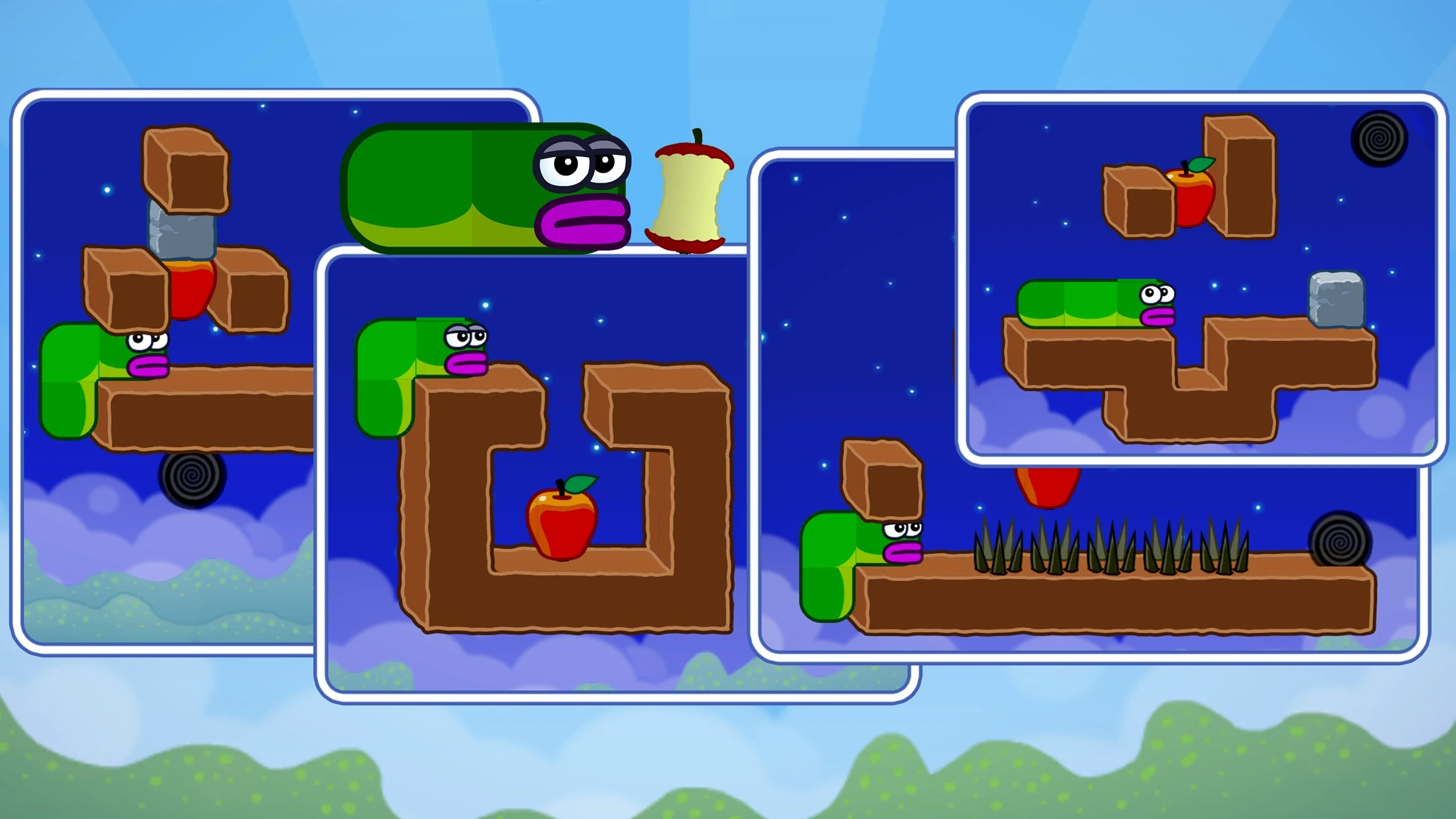
The layouts show why a route that looks open from the head's position can still be blocked by the worm's body.
1. Moving before checking the exit
Symptom: You reach the apple but cannot see a way to finish.
Check: Look at the portal before the first move. Which side can the head enter from, and what direction must it face?
Fix: Trace the final turn backward by one or two moves. Keep the cell needed for that turn empty until the worm is lined up.
2. Treating the apple as the finish line
Symptom: The apple is collected, but the longer worm has no clean route out.
Check: Compare the body immediately before and after collection. Does the post-apple shape still leave room to turn?
Fix: Plan the first moves after the apple before choosing the approach. The apple route is only good if it leaves a feasible exit.
3. Entering a shared corridor too early
Symptom: The head is at the right entrance, but a body segment still blocks it.
Check: Is the corridor part of both the route to the apple and the route to the portal?
Fix: Delay the second pass until the tail has cleared the cells it needs. If the board allows it, use a loop that moves the body without closing the return route.
4. Reaching the portal from the wrong angle
Symptom: The head is beside the portal, but the final turn is unavailable.
Check: Is the head approaching from the correct side, with enough free space for the turn?
Fix: Work backward from the entry direction. Reaching the portal's neighborhood is not the same as having a valid final move.
5. Moving the tail away too soon
Symptom: A route that looked possible loses a useful support or turning position partway through.
Check: Did an early loop move a body segment that the later route depended on?
Fix: Treat the worm's current shape as temporary level geometry. Keep useful body positions until the head has passed the constrained section.
6. Shortening a route before it works
Symptom: Removing a detour saves a few moves but creates a later block.
Check: Did the detour clear the tail, change the head's approach angle, or preserve an empty turning cell?
Fix: First record a complete route that works. Only remove a segment after you know what state it produces and can compare the new result.
7. Restarting without changing the hypothesis
Symptom: The same failure happens at the same point on repeated attempts.
Check: What is the first move where your route differs from a successful plan, or where a required cell becomes occupied?
Fix: Change one decision at a time. Write a short note such as "entered the passage before the tail cleared" so the next attempt tests a different idea.
8. Copying a video by watching only the head
Symptom: Your head follows the video, but your worm still gets trapped.
Check: Compare the full body at the first point where the solutions diverge.
Fix: Pause before and after the apple and before the final portal approach. If the body shape differs, rewind to the previous matching checkpoint instead of forcing the remaining moves.
Keep a useful failure log
Record the level, the first failed decision, and one cause: wrong entry angle, tail in shared corridor, lost turning cell, or unclear tile behavior. This turns a restart into a test. For the exact layout, open the matching page in the level guide library and use its video as a comparison after you have identified the point where your route goes wrong.